01
Accurate text detection
Detect printed, stylized, slanted, and complex text across menus, posters, signs, documents, and screenshots.
phototranslate.ai detects text across menus, posters, signs, documents, and screenshots — automatically.
Upload any image with text. phototranslate.ai detects, translates, removes, and redraws the text so your image looks naturally designed in the new language.
Compare the original and translated image with a live before-and-after preview.


Most translators only convert words. phototranslate.ai rebuilds the image so the translated version feels native, clean, and ready to use.
Detect printed, stylized, slanted, and complex text across menus, posters, signs, documents, and screenshots.
phototranslate.ai detects text across menus, posters, signs, documents, and screenshots — automatically.
Understand the scene behind the text — restaurant menus or warning signs — so translations sound natural, never literal.
phototranslate.ai understands scene context so translations sound natural, never literal.
Remove original text and repair the background automatically, preserving colors, textures, gradients, and balance.
phototranslate.ai repairs the background after text removal, preserving colors, textures, and gradients.
Add a photo, screenshot, scanned page, or product poster — just drag it in.
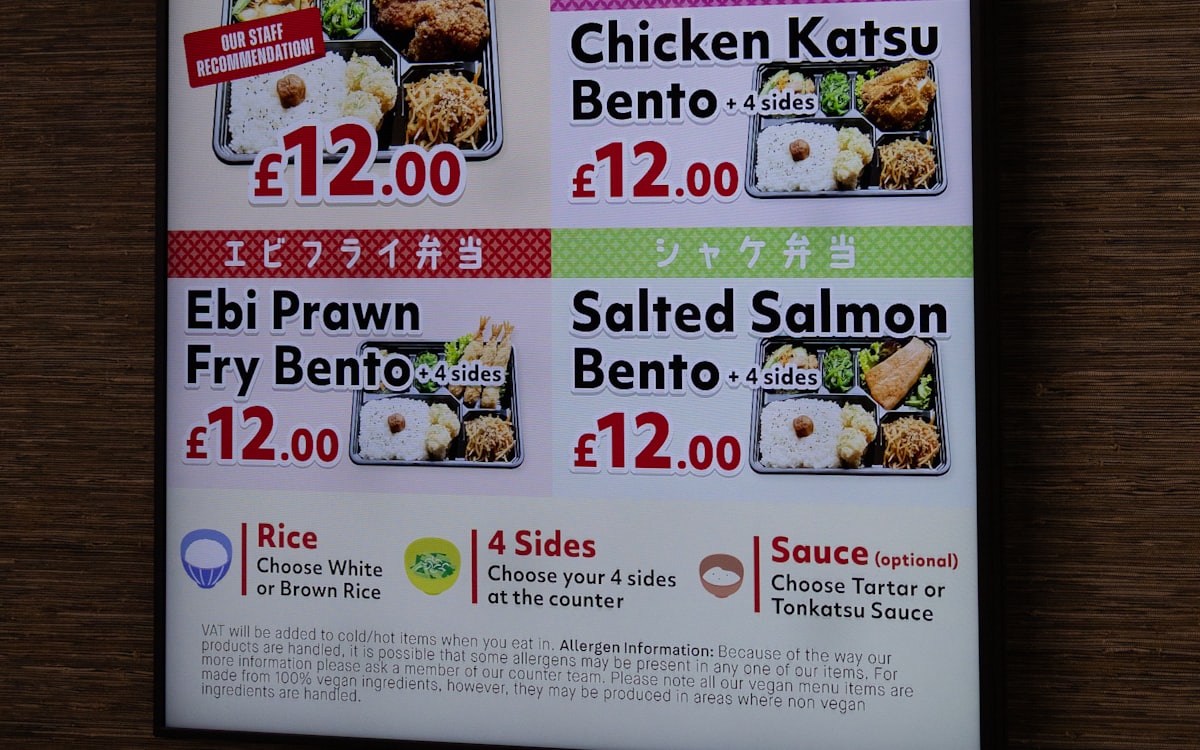
Select the target language. AI detects the original text automatically.
Export a clean image — original layout preserved, ready to ship.
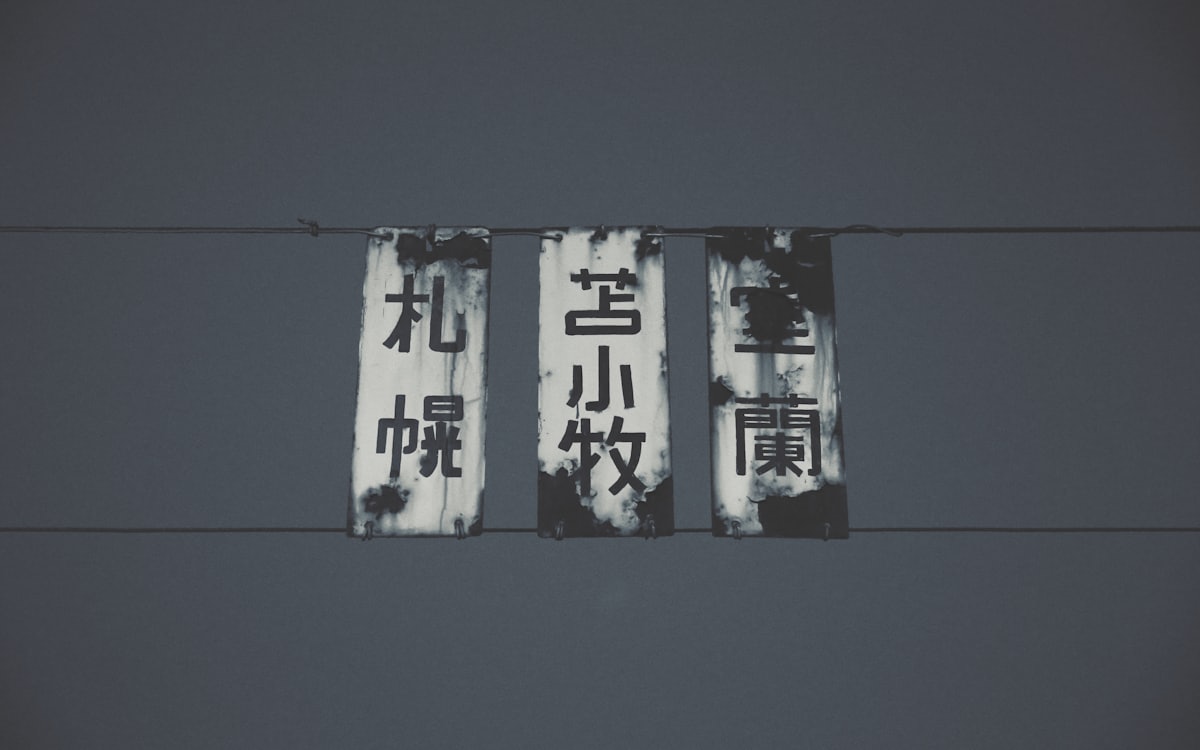
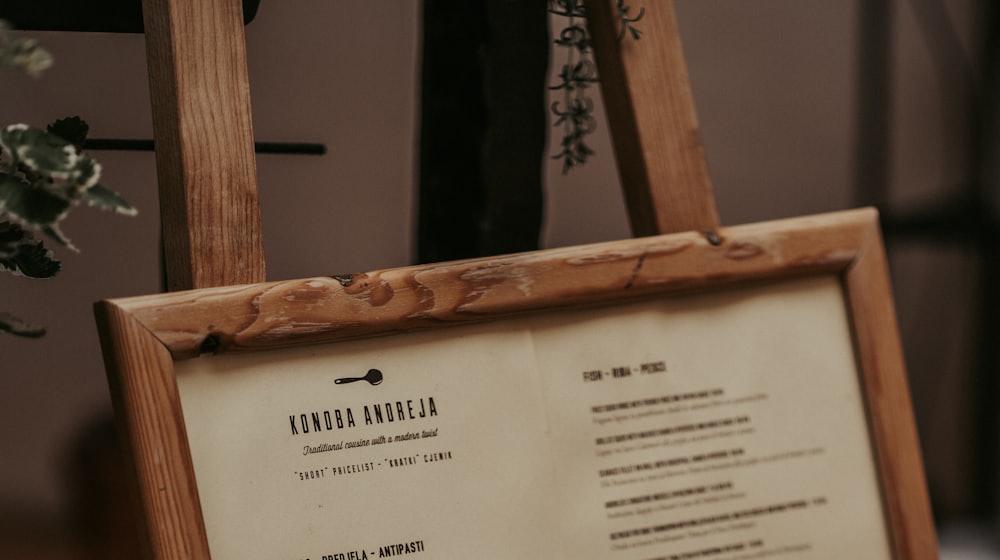
Translate menus, signs, labels, tickets, instructions, and notices while keeping the original visual context.
Translate travel photos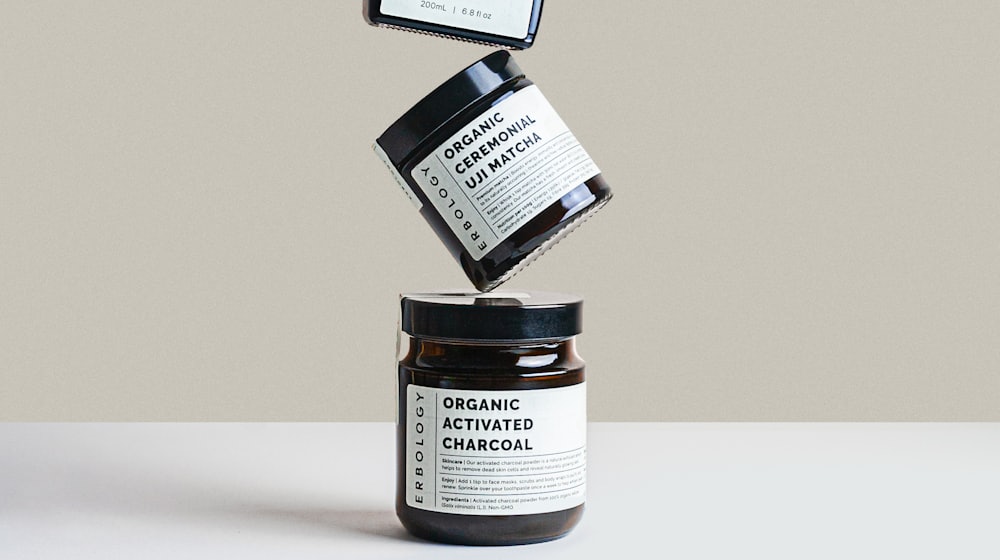
Localize product detail images, ads, banners, social posts, and promotional posters for global customers.
Localize product images
Replace text in speech bubbles, panels, covers, and illustrations while preserving the original artwork.
Translate creative images
Translate scanned files, app screenshots, manuals, academic pages, and visual documents without breaking the layout.
Translate documentsAdd a single photo or a batch of up to 10, choose one language pair, and manage every result from the same queue.
Upload up to 10 JPG, PNG, or WebP images and apply one source and target language to the whole batch.
See what is queued, translating, completed, or needs attention without opening separate jobs.
Save finished images individually as PNG, or download all completed results together in one ZIP.
Retry only the image that failed. Completed translations remain ready to download, and refund status stays visible.
These capabilities are planned, but are not available in the product today.
Add your images, select the language pair, and start only when the estimated credit cost looks right.
Your files are processed through secure encrypted connections — TLS in transit, AES at rest.
Uploaded files can be automatically deleted after processing. You decide the retention window.
Your images are processed by AI without manual inspection unless support access is explicitly requested.
Designed for creators, teams, marketers, localization teams, and developers.
Try a real translation before you commit.
For creators, marketers, and frequent users.
For teams and high-volume localization work.
Upload an image and see how AI turns it into a clean, natural translated version while keeping the original design.


